
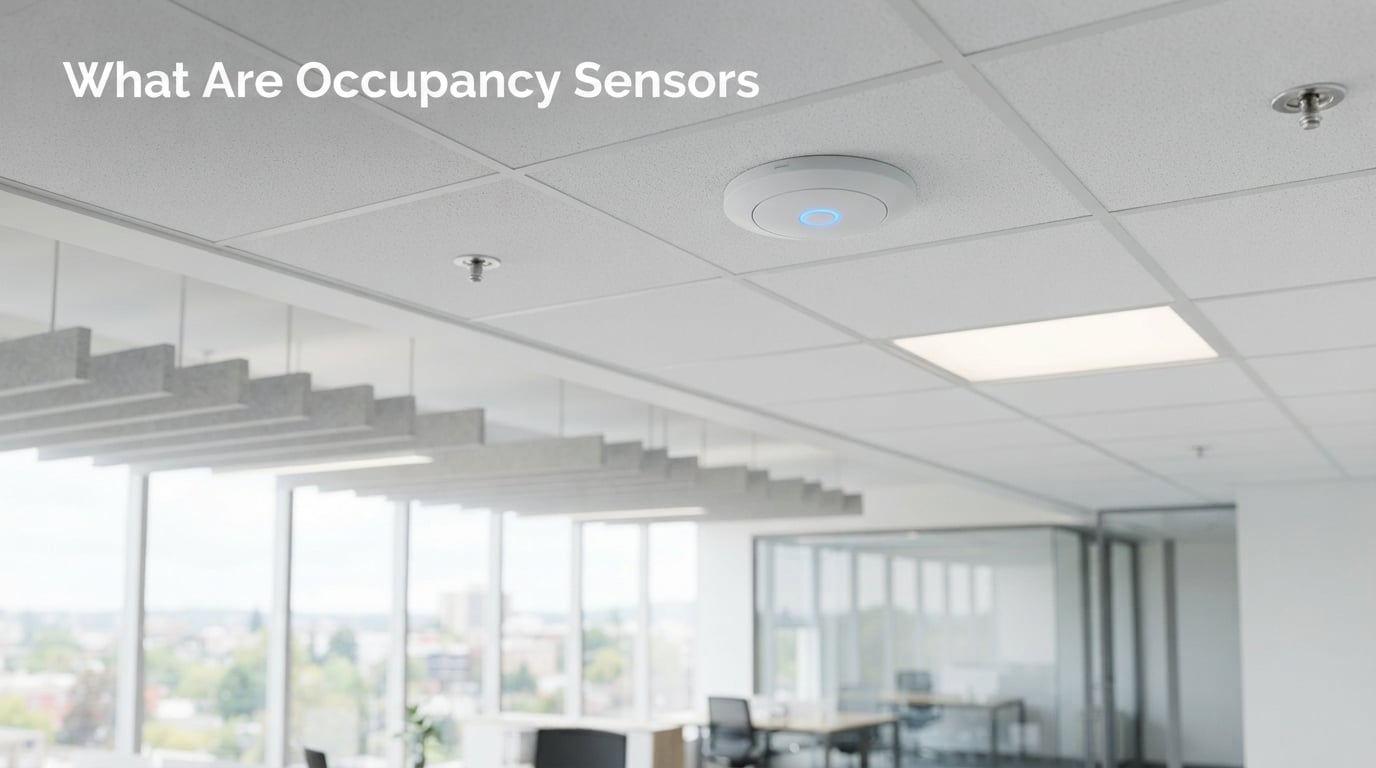
An occupancy sensor is an electronic device that detects the presence or absence of people in a defined space and automatically controls connected systems like lighting, HVAC, and security. These smart building sensors use technologies such as passive infrared, ultrasonic waves, and microwave radar to trigger automatic actions without requiring a physical switch.
I have spent years researching and testing sensor technologies across residential and commercial settings. What strikes me most about occupancy sensors is how a small, wall-mounted component can cut lighting energy use by 30 to 50 percent in some buildings. They are quietly becoming one of the highest-impact upgrades you can make for energy efficiency.
In this guide, I will walk you through exactly what occupancy sensors are, the different types available, how they work under the hood, and where they deliver the most value. Whether you are upgrading a single room or outfitting an entire office tower, understanding these fundamentals will help you choose the right technology for the job.
Table of Contents
What Are Occupancy Sensors?
At their core, occupancy sensors are presence detection devices that monitor an enclosed area for human activity and respond accordingly. When someone enters the space, the sensor signals a connected system to switch on lights, adjust temperature, or activate other automated controls. When the space becomes empty, the sensor triggers a timed shut-off after a configured delay.
People often use the terms “occupancy sensor” and “motion sensor” interchangeably, but there is a meaningful technical distinction. A basic motion sensor reacts to movement and nothing else. An occupancy sensor is engineered to confirm whether a space is genuinely occupied, which means it can account for someone sitting still or performing low-motion tasks like reading or working at a desk.
This matters more than you might think. I have seen firsthand how a cheap motion sensor leaves people fumbling in the dark because it switched off the lights while they were quietly watching television. A proper occupancy sensor uses more sophisticated detection logic, or combines multiple technologies, to avoid that frustrating scenario.
Modern occupancy sensors typically consist of three main components working together. The sensing element detects human presence through heat, sound waves, or radio frequency signals. The control circuit processes that input and applies time-delay logic before signaling action. The output relay then communicates with the lighting fixture, thermostat, or building management system to execute the command.
You will find these sensors integrated into wall switches, ceiling-mounted modules, fixture-integrated units, and standalone devices that wire into junction boxes. Some newer models also communicate wirelessly with IoT platforms, enabling cloud-based analytics on how spaces are actually used throughout the day.
Types of Occupancy Sensors
Understanding what are occupancy sensors means looking closely at the five core technologies that power them. Each type has distinct strengths, ideal use cases, and limitations that affect where it should be installed. I will break down each one so you can match the right technology to your specific space.
Passive Infrared (PIR) Sensors
Passive infrared sensors are the most common and affordable type of occupancy sensor on the market. They work by detecting changes in infrared radiation, specifically the body heat emitted by people moving within their field of view. The sensor itself does not emit any energy, which is why it is called “passive.”
PIR sensors are excellent for spaces with clear lines of sight, such as offices, hallways, and storage rooms. They respond quickly and consume very little power. However, they have a notable weakness: they cannot detect someone who is sitting perfectly still, because there is no temperature change to register.
I generally recommend PIR sensors for areas where people are usually moving around, like corridors and restrooms. They struggle in spaces with obstructed views or where stationary presence detection is critical, such as a workspace where someone sits at a desk for hours.
Ultrasonic Sensors
Ultrasonic occupancy sensors take a completely different approach by emitting high-frequency sound waves and measuring the reflections that bounce back. When a person moves within the detection area, they shift the frequency of those reflected waves through the Doppler effect. The sensor detects this shift and registers occupancy.
The biggest advantage of ultrasonic sensors is that they do not require a direct line of sight. Sound waves can bend around obstacles, making this technology ideal for restrooms with stalls, open-plan offices with partitions, and irregularly shaped rooms. They also detect minor movements better than PIR sensors, so someone typing at a keyboard or shifting in a chair will keep the lights on.
On the downside, ultrasonic sensors can be more sensitive to false triggers. Moving air from HVAC vents, fluttering curtains, and even small pets can sometimes activate them. Most quality models allow you to adjust sensitivity settings to tune out these common interference sources.
Microwave Sensors
Microwave occupancy sensors operate on a similar principle to ultrasonic models but use high-frequency electromagnetic waves instead of sound. They emit a microwave signal and analyze the reflected frequency shift caused by movement. Because microwave signals penetrate most non-metallic materials, these sensors can detect motion through walls, glass, and thin partitions.
This penetrating ability makes microwave sensors valuable for large or challenging spaces where other technologies struggle. They cover wide areas with high sensitivity and respond to even subtle movements. Parking garages, warehouses, and large retail floors often rely on microwave sensors for exactly this reason.
The trade-off is that microwave sensors are more expensive and consume more power than PIR alternatives. Their sensitivity can also work against you if not calibrated correctly, since they may pick up movement in adjacent rooms you did not intend to monitor. Proper placement and tuning are essential.
Dual-Technology Sensors
Dual-technology sensors combine two detection methods, most commonly PIR and ultrasonic, to dramatically reduce false triggers while improving reliability. The logic is straightforward but effective: both sensors must register activity before the system activates the lights, and either sensor can hold them on.
I consider dual-technology sensors the gold standard for commercial environments where reliability matters most. A classroom full of students benefits because the ultrasonic element detects small movements while the PIR element confirms actual human heat signatures. The result is lights that stay on when they should and turn off promptly when the room empties.
The main drawback is cost. Dual-technology units run higher than single-technology alternatives, but the energy savings and reduced maintenance complaints often justify the investment within the first year. For mission-critical applications, they are worth every penny.
Camera-Based and Thermal Sensors
The newest category of occupancy detection uses cameras and thermal imaging arrays to provide granular data about how spaces are used. Camera-based sensors use computer vision to count people, track movement patterns, and even determine whether someone is seated or standing. Thermal sensors achieve similar results by mapping heat signatures without capturing identifiable images.
These advanced sensors are becoming popular in smart building applications and workplace analytics. They can tell facility managers exactly how many people use a conference room on average, when peak occupancy occurs, and which areas of a building are underutilized. That data drives smarter decisions about lease optimization and space planning.
Privacy is a legitimate concern with camera-based systems. I always recommend thermal sensors or privacy-first camera models that process images locally and transmit only occupancy counts rather than visual data. This approach delivers the analytics value without creating surveillance risks.
How Do Occupancy Sensors Work?
The working principle behind occupancy sensors follows a consistent four-step sequence regardless of the underlying technology. Understanding this sequence helps you appreciate why sensors behave the way they do and how to configure them properly.
Step 1: Detection. The sensing element continuously monitors the space for signals that indicate human presence. A PIR sensor watches for temperature changes, an ultrasonic sensor listens for wave reflections, and a microwave sensor tracks frequency shifts. This happens in real time, with the sensor sampling the environment many times per second.
Step 2: Signal Processing. The control circuit analyzes the raw sensor data and filters out noise that could cause false triggers. It compares the incoming signal against threshold values that you or an installer have configured. If the signal crosses the threshold, the circuit classifies the event as genuine occupancy rather than a passing draft or a stray animal.
Step 3: Action Trigger. Once occupancy is confirmed, the sensor sends a signal through its output relay to the connected system. In a lighting application, this closes the circuit and the lights come on instantly. In an HVAC context, the signal might tell the thermostat to resume active climate control. The response time is nearly instantaneous in most modern sensors.
Step 4: Time Delay and Shut-Off. After the last detected movement, a countdown timer begins. The time delay is fully configurable and typically ranges from 30 seconds to 30 minutes depending on the application. If no further activity is detected before the timer expires, the sensor opens the circuit and shuts off the connected system. Any new movement during the countdown resets the timer immediately.
How long do occupancy sensors stay on by default? Most are factory-set to a 15 to 20 minute delay for general office use, though I have seen recommendations ranging from a few minutes for restrooms to 30 minutes for warehouses where workers may linger in one spot. The beauty of configurable delays is that you can tune each sensor to match the activity patterns of its specific location.
Sensitivity settings are the other critical configuration parameter. Higher sensitivity means the sensor responds to smaller movements but becomes more prone to false triggers. Lower sensitivity reduces false alarms but may miss subtle activity. Finding the right balance often requires a few days of real-world testing after installation.
Occupancy Sensor vs Vacancy Sensor
This distinction confuses more people than almost any other topic in lighting automation. An occupancy sensor operates fully automatically: it turns lights on when you enter and turns them off when you leave. A vacancy sensor, sometimes called a manual-on sensor, requires you to press a button to turn the lights on but still shuts them off automatically when the space is empty.
Both approaches save energy, but vacancy sensors save more in spaces with abundant natural light. Think about a room with large windows where you often do not need artificial lighting during the day. With an occupancy sensor, the lights would click on every time you walk in, even when daylight is sufficient. A vacancy sensor lets you choose whether you actually need the lights.
Building codes in several jurisdictions now require vacancy sensors rather than occupancy sensors in certain residential spaces for exactly this reason. California Title 24, for example, mandates manual-on operation in many residential rooms to maximize daylight harvesting. I recommend checking your local code requirements before specifying sensors for any project.
From a user-experience perspective, occupancy sensors offer maximum convenience since you never have to touch a switch. Vacancy sensors trade a small bit of convenience for greater energy savings and fewer unnecessary lighting cycles. Many modern sensors support both modes, so you can switch between them based on preference.
Benefits of Occupancy Sensors
The value of installing occupancy sensors extends well beyond simple convenience. When properly deployed, they deliver measurable returns across energy consumption, operating costs, comfort, and even space planning. Let me break down the most significant benefits.
Energy Savings
Lighting accounts for a substantial portion of energy use in commercial buildings, and much of that energy is wasted illuminating empty spaces. Studies consistently show that occupancy sensors reduce lighting energy consumption by 20 to 60 percent depending on the space type. Restrooms, storage rooms, and conference rooms tend to see the highest savings because they are frequently vacant.
When you add HVAC integration into the mix, the savings compound. Heating and cooling an unoccupied room is pure waste. Occupancy sensors connected to a building management system can set back thermostats, reduce ventilation rates, and shut down equipment automatically when zones are empty.
Cost Reduction
How much do occupancy sensors cost? A basic residential PIR wall switch runs roughly $15 to $40, while commercial-grade ceiling sensors range from $50 to $200 depending on technology and coverage. Advanced dual-technology and IoT-enabled sensors can cost several hundred dollars per unit. Despite the upfront investment, most installations pay for themselves within one to three years through reduced utility bills.
The math is compelling for commercial property owners. A single sensor preventing eight hours of wasted lighting per day across hundreds of fixtures adds up to significant annual savings. Maintenance costs also drop because lights and HVAC equipment cycle less frequently, extending their useful life.
Convenience and Comfort
Never fumbling for a light switch in a dark hallway is a small but genuine quality-of-life improvement. Occupancy sensors deliver hands-free automation that is particularly valuable when your hands are full carrying groceries, luggage, or equipment into a space.
In commercial settings, employees appreciate consistent lighting without having to manage switches manually. Restrooms, stairwells, and parking garages become safer and more comfortable environments when lights respond automatically to presence. The seamless experience also reduces wear on physical switches.
Space Utilization
For facility managers, the data generated by networked occupancy sensors is invaluable. You can see which conference rooms are booked but unused, which floors are over- or under-populated, and where additional amenities might be needed. This intelligence supports better decisions about space allocation, cleaning schedules, and long-term real estate planning.
I have seen companies use occupancy data to consolidate underused floors and avoid expensive lease renewals. The analytics value alone sometimes justifies the sensor investment, even before energy savings are factored in. Modern IoT platforms make this data accessible through dashboards that update in real time.
Where Are Occupancy Sensors Used?
Occupancy sensors have found their way into nearly every type of built environment. The technology is versatile enough to serve everything from a single residential bathroom to a million-square-foot corporate campus. Here are the most common application categories.
Commercial Buildings
Office buildings are the largest market for occupancy sensors, driven by energy code requirements and corporate sustainability goals. Open-plan offices use ceiling-mounted sensors to control zones of lighting. Private offices, conference rooms, copy rooms, and break rooms each benefit from dedicated sensors tailored to their usage patterns.
Where are occupancy sensors required by code? ASHRAE 90.1, the International Energy Conservation Code, and California Title 24 all mandate automatic lighting shutoff controls in commercial buildings, and occupancy sensors are the most common compliance method. Most new commercial construction includes sensors by necessity rather than preference.
Retail spaces use sensors in stockrooms, fitting rooms, and back-of-house areas to reduce wasted lighting during operating hours. Restrooms in restaurants, airports, and shopping centers rely heavily on occupancy sensors since these spaces are frequently unoccupied throughout the day.
Smart Homes
Residential adoption has accelerated as smart home platforms have made occupancy sensors more accessible and easier to install. Homeowners use them for hallway and closet lighting, bathroom exhaust fans, basement illumination, and garage security. Integration with systems like smart thermostats creates cascading automations that respond to whether anyone is home.
Many forum users I have encountered specifically want sensors that detect stationary presence rather than just motion. Watching television or reading a book should not plunge the room into darkness. This is where presence-detection sensors using mmWave radar technology are gaining traction, since they can detect the tiny movements of breathing and heartbeat.
Industrial and Warehouse Spaces
Warehouses and manufacturing facilities use high-bay occupancy sensors to control powerful lighting fixtures mounted 20 to 40 feet above the floor. These sensors must cover large areas and tolerate harsh conditions including dust, temperature swings, and vibration. Microwave sensors excel here because their penetrating signals handle wide coverage zones effectively.
Parking garages represent another major application area. Sensors control lighting levels based on whether vehicles or pedestrians are present, dimming to minimum levels when the garage is empty and ramping up to full brightness when activity is detected. This approach cuts energy costs dramatically while maintaining safety and security.
Frequently Asked Questions
How much do occupancy sensors cost?
Basic residential PIR wall switches cost between $15 and $40, while commercial ceiling sensors range from $50 to $200. Advanced dual-technology and IoT-enabled models can cost several hundred dollars. Most installations pay for themselves within one to three years through energy savings.
How long do occupancy sensors stay on?
Most occupancy sensors are factory-set to a 15 to 20 minute delay for general office use, but the timer is fully configurable. Typical ranges span from 30 seconds for restrooms to 30 minutes for warehouses. Any new movement detected during the countdown resets the timer.
Where are occupancy sensors required?
Energy codes including ASHRAE 90.1, the International Energy Conservation Code, and California Title 24 mandate automatic lighting shutoff in commercial buildings. Occupancy sensors are the most common compliance method. New commercial construction in most jurisdictions requires them by law.
What are the types of occupancy sensors?
The five main types are passive infrared (PIR) sensors, ultrasonic sensors, microwave sensors, dual-technology sensors, and camera-based or thermal sensors. Each uses a different detection method suited to specific applications and environments.
Wrapping Up
Occupancy sensors have evolved from simple motion-activated switches into sophisticated presence detection systems that power smart buildings, reduce energy waste, and improve everyday comfort. Understanding what are occupancy sensors and how the different technologies work gives you the foundation to choose the right solution for any space, whether that is a home hallway or a sprawling corporate campus.
If you are just starting out, I recommend beginning with a basic PIR wall switch in a high-traffic area like a hallway or closet. From there, you can explore dual-technology sensors for more demanding applications and eventually integrate with IoT platforms for full building analytics. The technology pays for itself while making every space you enter a little smarter.